

If you run a service business—whether you are a contractor, a mechanic, or a repair specialist—paperwork is often the last thing you want to do.
However, the difference between a profitable job and a headache usually comes down to one piece of paper: The Work Order.
A proper Job Work Order protects you. It confirms exactly what the customer wants, authorizes the work, and tracks your materials so you don’t lose money.
To help you professionalize your business, we have curated a bundle of 5 Free Printable Job Work Order Templates. These PDF forms cover every scenario, from simple repairs to complex multi-day construction jobs.
Below is a guide to the 5 unique designs included in this free download.
1. The Service & Repair Order
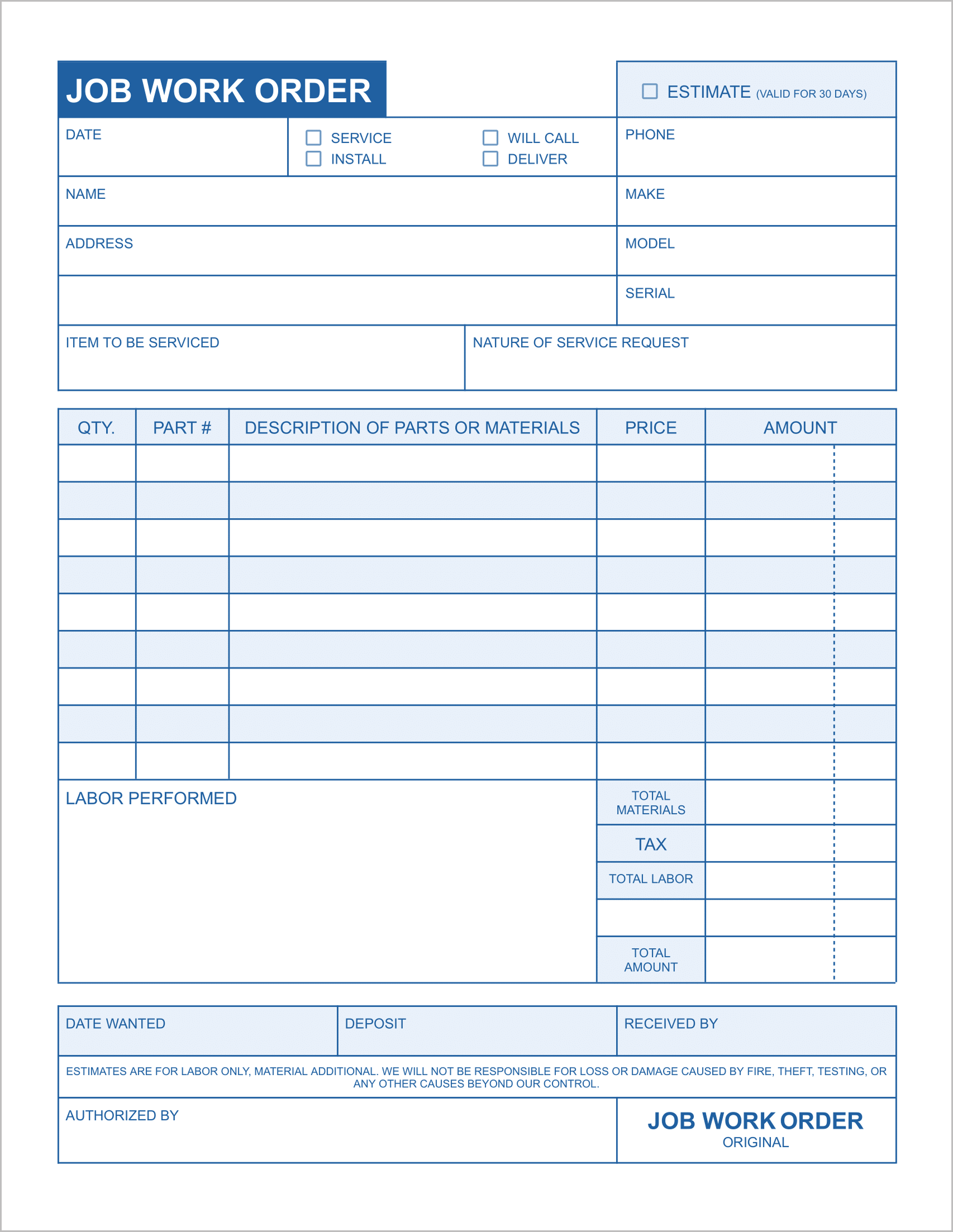
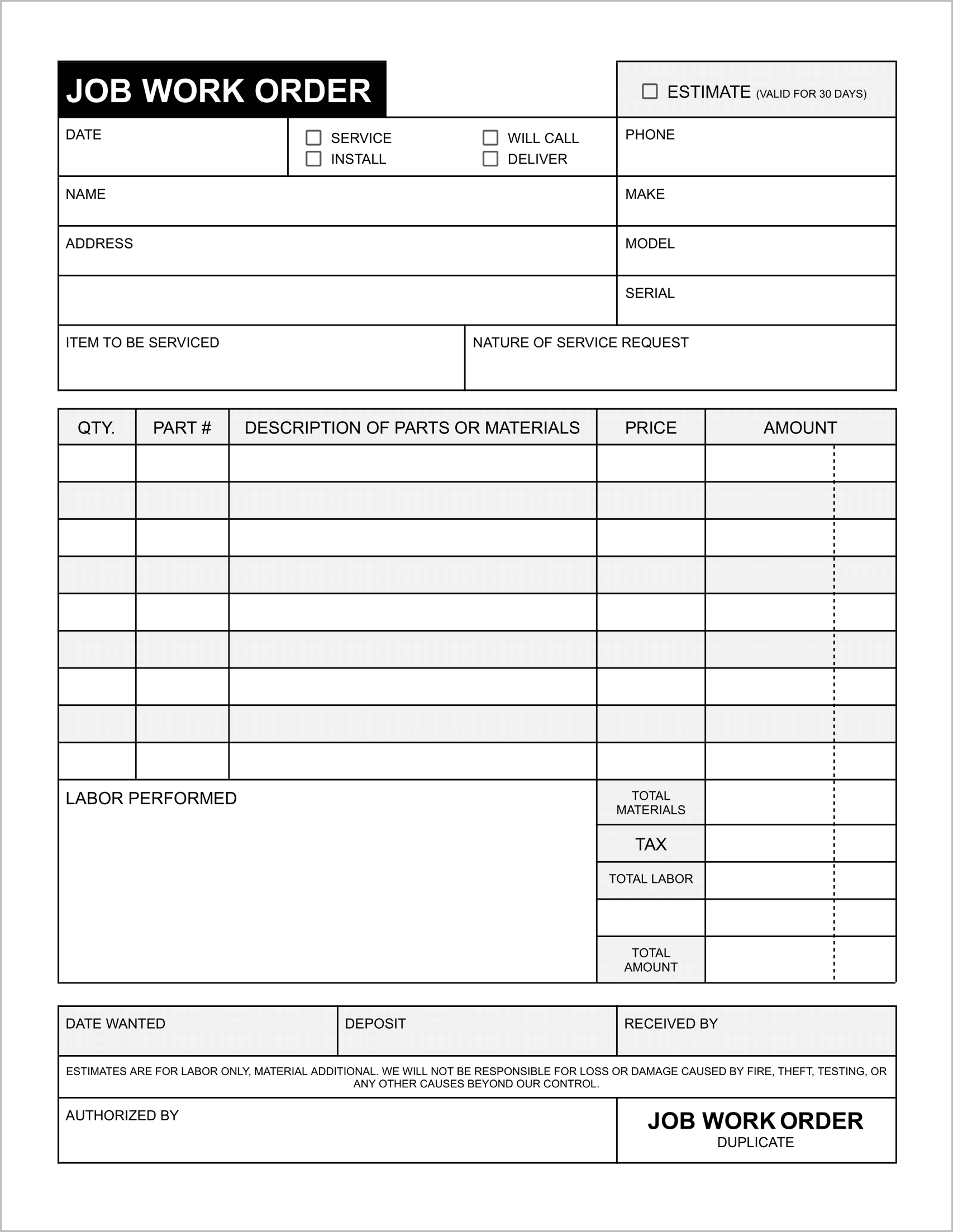
Best for: Appliance repair, computer shops, and auto mechanics.
This template is designed for businesses that service specific items. Unlike a general contractor form, this sheet includes dedicated fields for the Make, Model, and Serial number of the item being serviced.
It also features a convenient checkbox system at the top to quickly designate if the job is a Service, Install, Deliver, or Will Call. This ensures your front desk and your technicians are always on the same page about what needs to happen with the equipment.
2. The Field Contractor Sheet
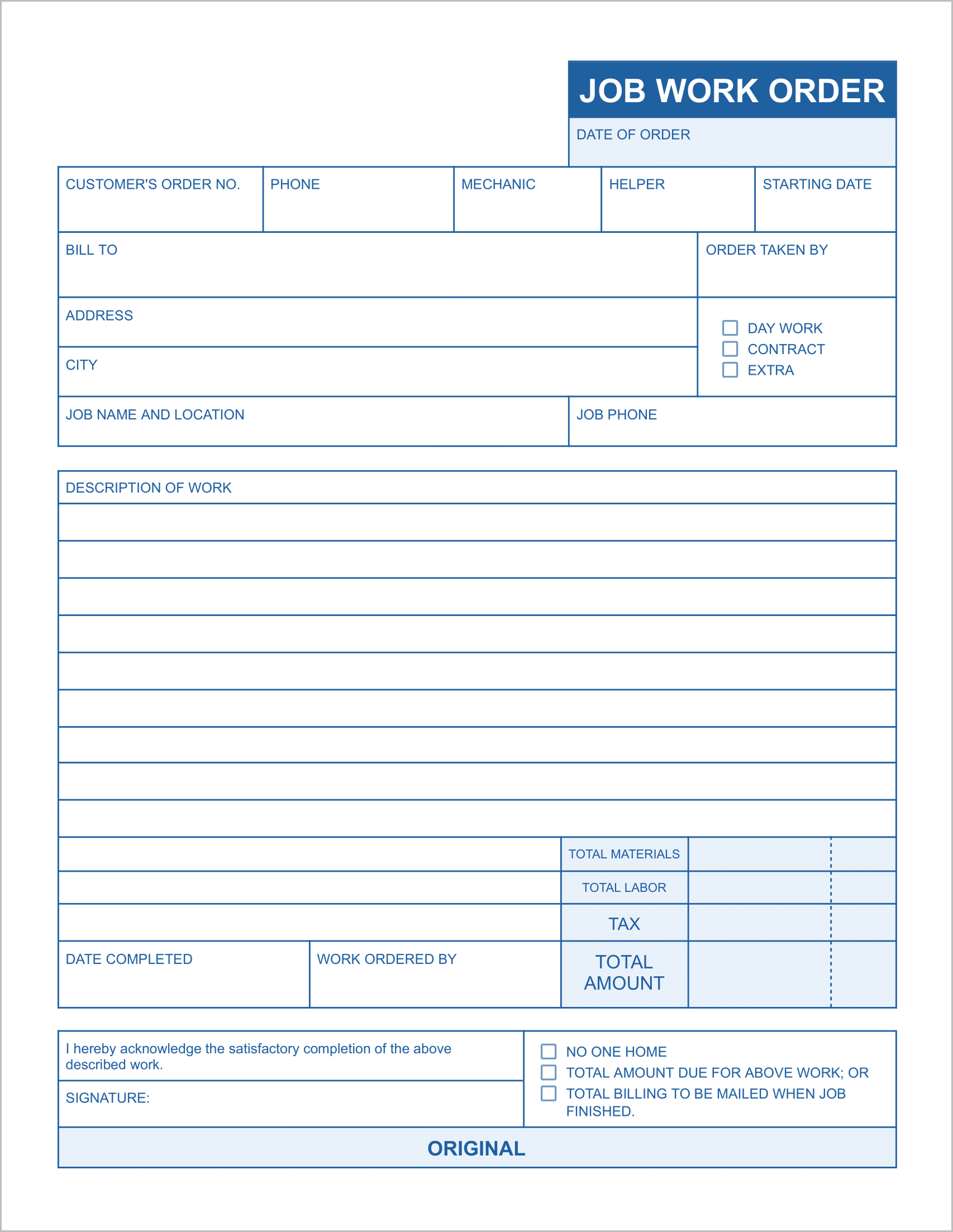
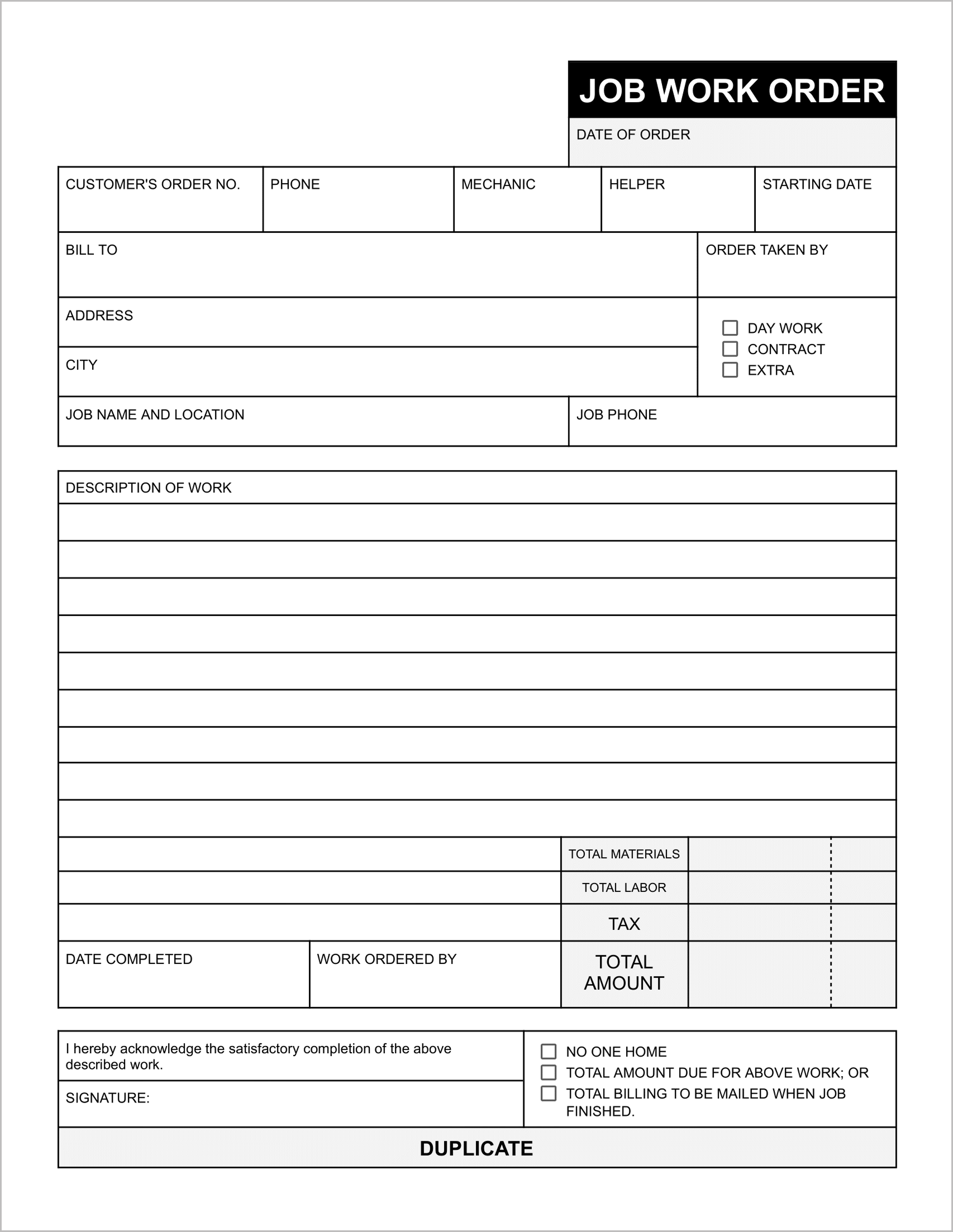
Best for: HVAC, plumbing, and general handyman work.
When you are out in the field, you need to track who is working and how they are billing. This template distinguishes between Day Work and Contract work, ensuring you are billing the correct rate.
Crucially, it includes fields to assign a Mechanic and a Helper to the job. This is perfect for crews where you need to track labor costs for different skill levels. It creates a clear description of the work and a simple summary of Total Materials and Labor.
3. The “Cost-Plus” Breakdown
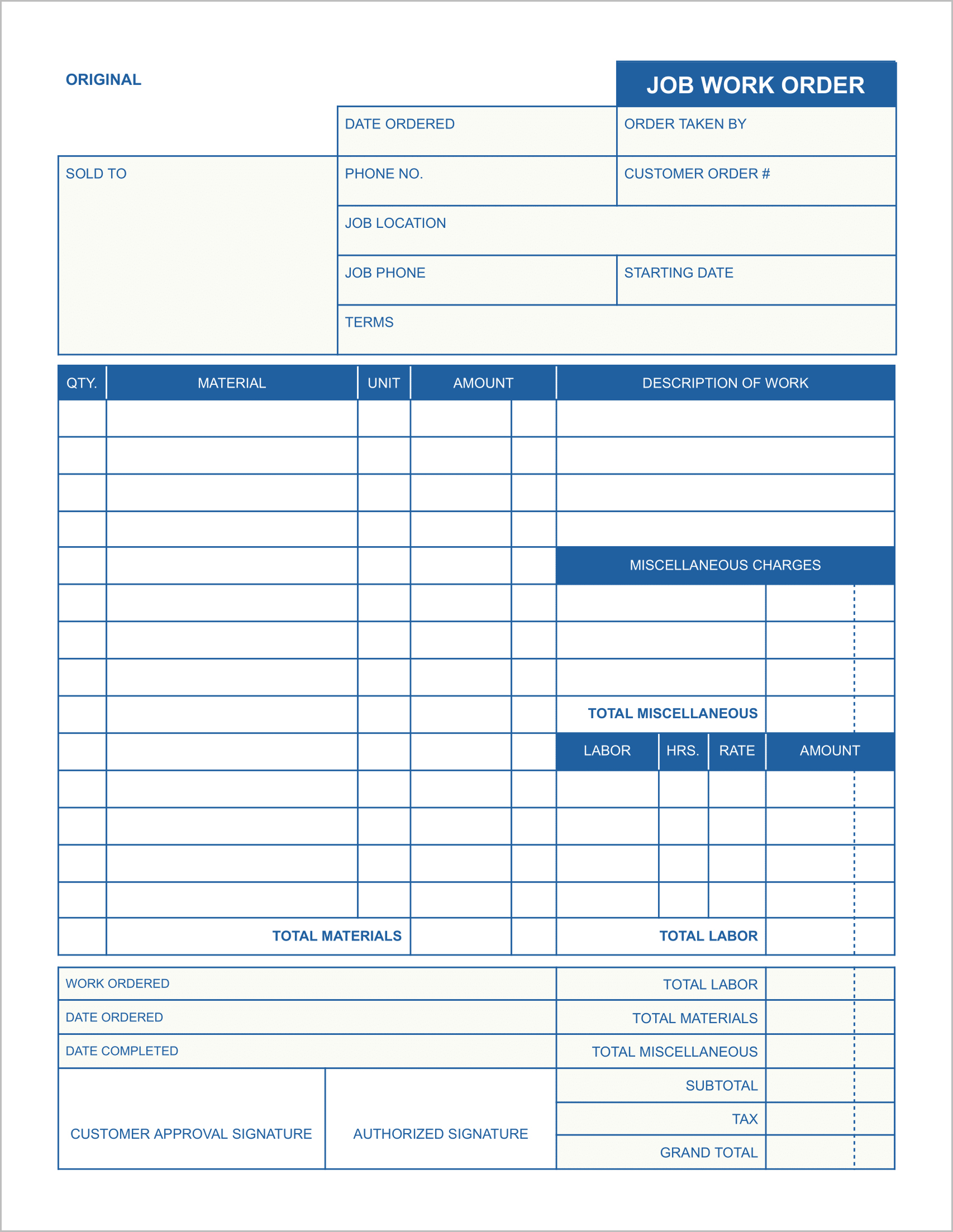
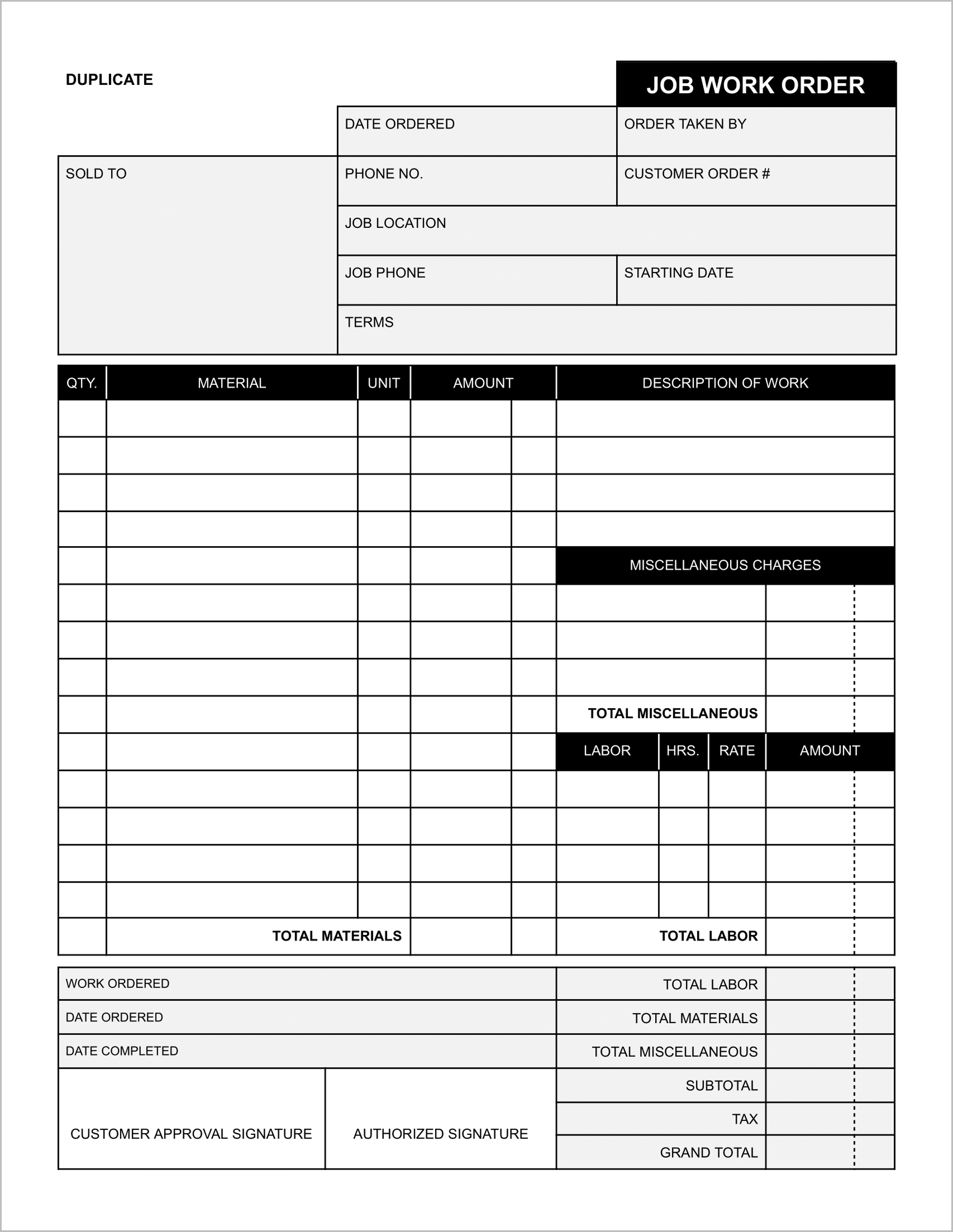
Best for: Jobs with unpredictable expenses or “Time and Materials” billing.
Some jobs are hard to estimate upfront. This template is designed for transparency. It features a large, detailed table split into three distinct sections: Material, Labor, and Miscellaneous Charges.
By separating “Miscellaneous Charges” from standard materials, you can clearly bill for things like permit fees, disposal fees, or travel time without confusing the client. It ends with a clear Grand Total and a signature line for customer approval.
4. The Profit Analyzer (2-Sided)
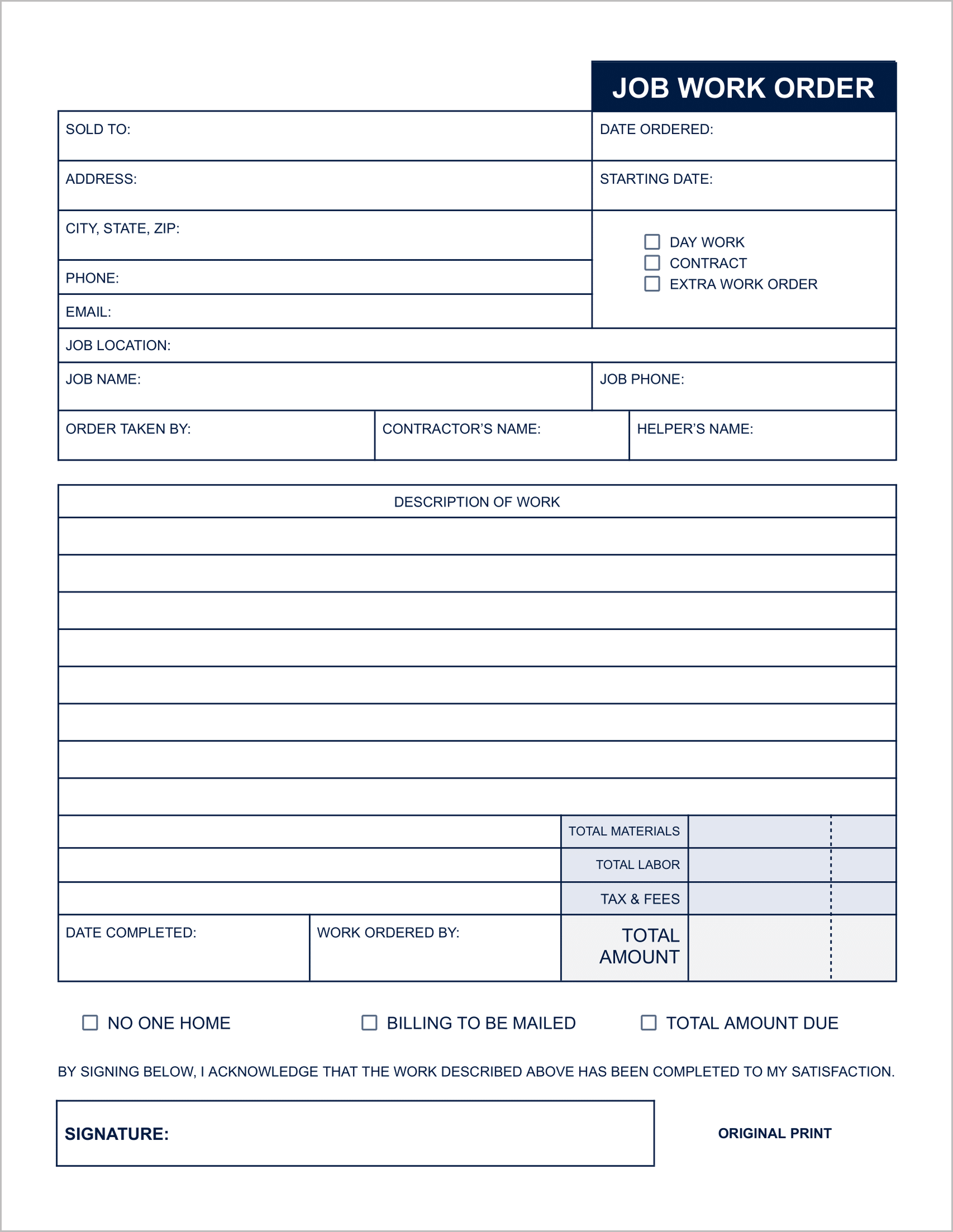
Best for: Business owners who need to track margins.
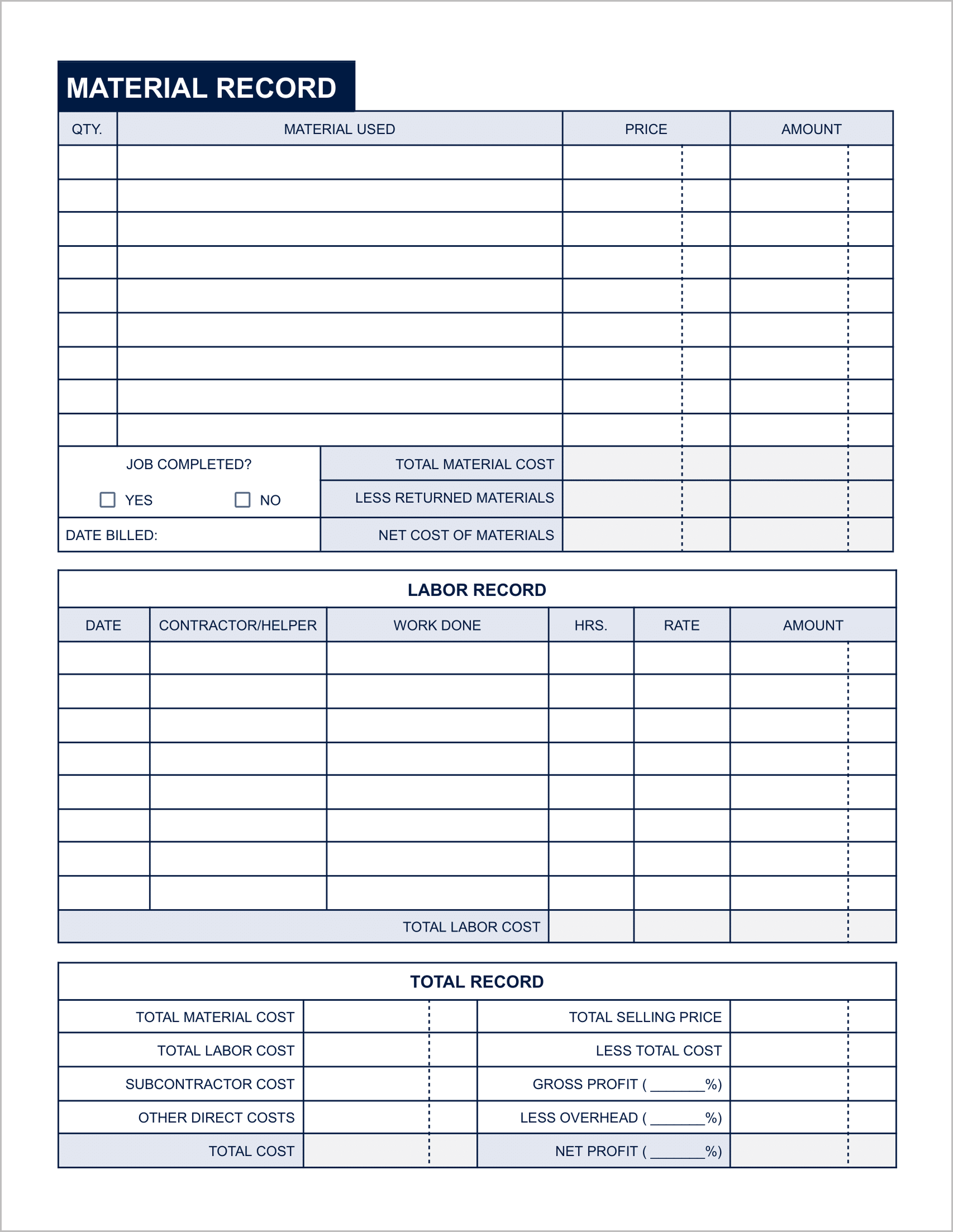
This is the most powerful template in the bundle. The front is a standard clean work order, but the back page is a financial powerhouse. It includes a Material Record to log costs vs. prices and a Labor Record to track hours.
The bottom section features a Total Record that calculates your Net Profit and Gross Profit (%). This forces you to look at your “Subcontractor Cost” and “Other Direct Costs” to ensure you are actually making money on the job, not just breaking even.
5. The Installment Invoice
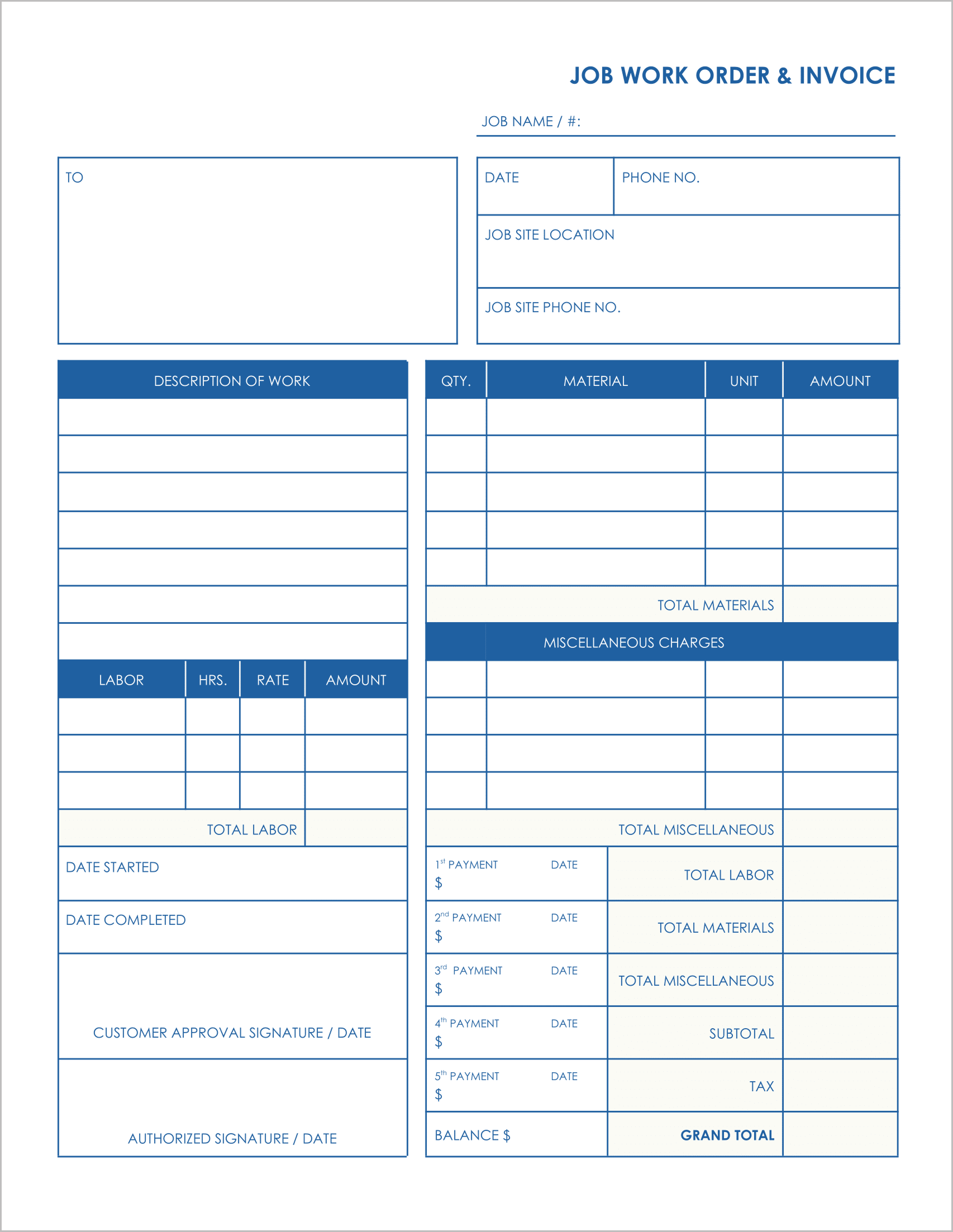
Best for: Long-term projects like remodeling or landscaping.
Big jobs rarely get paid in one lump sum. This template doubles as an invoice and a payment tracker. It includes space to record up to 5 separate payments directly on the sheet.
You can track the dates and amounts for deposits, progress payments, and the final balance. It also includes a Job Site Location and Job Site Phone No. field, which is critical when the billing address is different from the work location.
How to Use These Templates Effectively
- Print on NCR Paper: For a professional touch, print these on 2-part or 3-part carbonless (NCR) paper. This allows you to give one copy to the customer and keep the original for your files.
- Get Signatures: Every template in this bundle includes an Authorized By or Customer Approval Signature line. Never start work without this signature—it is your protection against “I didn’t ask for that” disputes later.
- Track Your Labor: Use the “Mechanic/Helper” fields to audit your team. If a job was estimated for 4 hours but took 8, your work order will show you exactly where the efficiency dropped.