
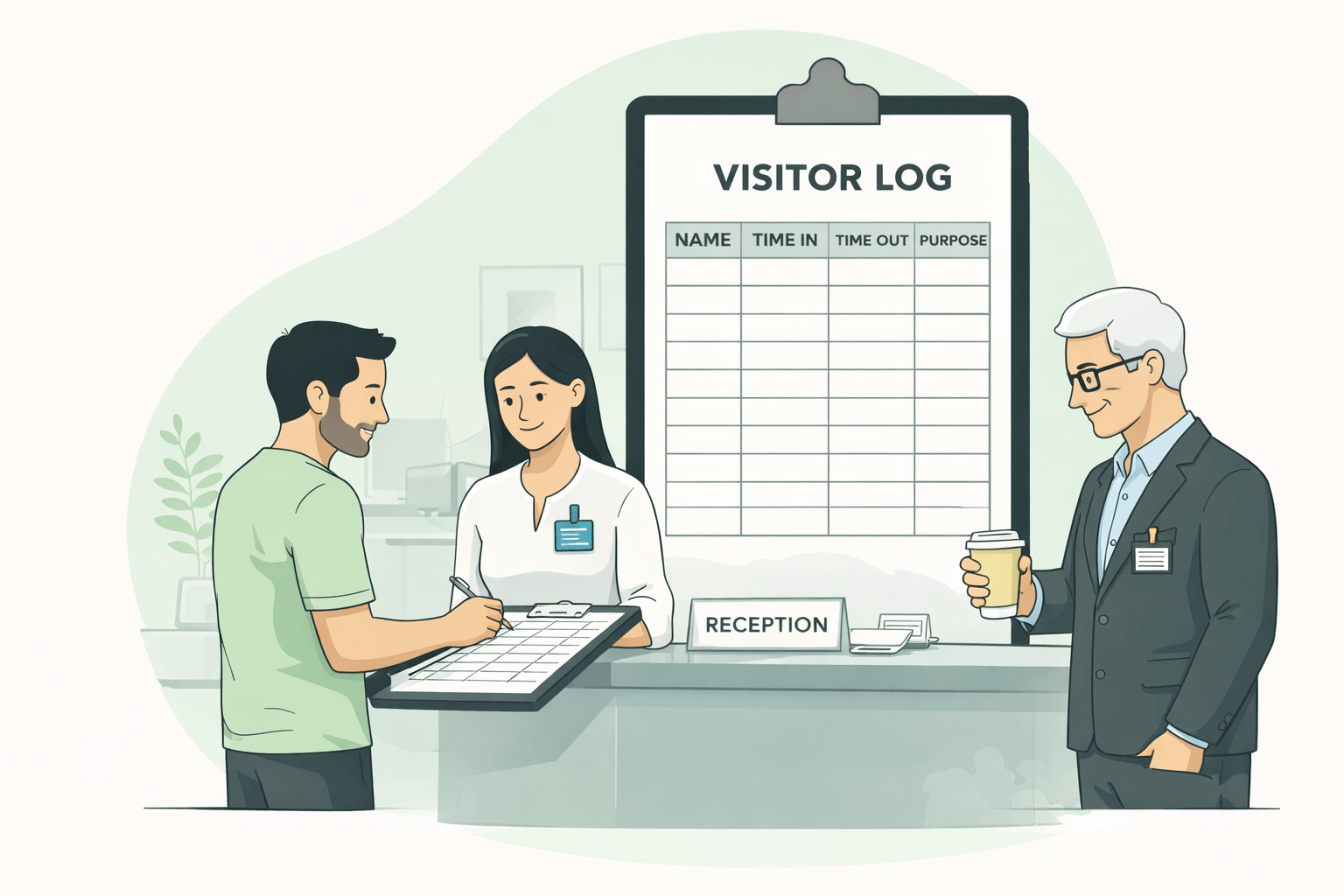
Knowing who is walking through your front door is the first rule of physical security. Whether you run a corporate office, a school, or a secure facility, you need a record of every guest.
A visitor log not only deter unauthorized access but also serves as a critical roll call document during an emergency evacuation.
To help you manage your reception area, we have curated a bundle of 5 Free Printable Visitor Log Templates.
These PDF forms range from simple sign-in sheets to detailed registers that track badge numbers and vehicle information.
Below is a detailed guide to the 5 unique layouts included in this free download.
1. Visitor Log Template-1
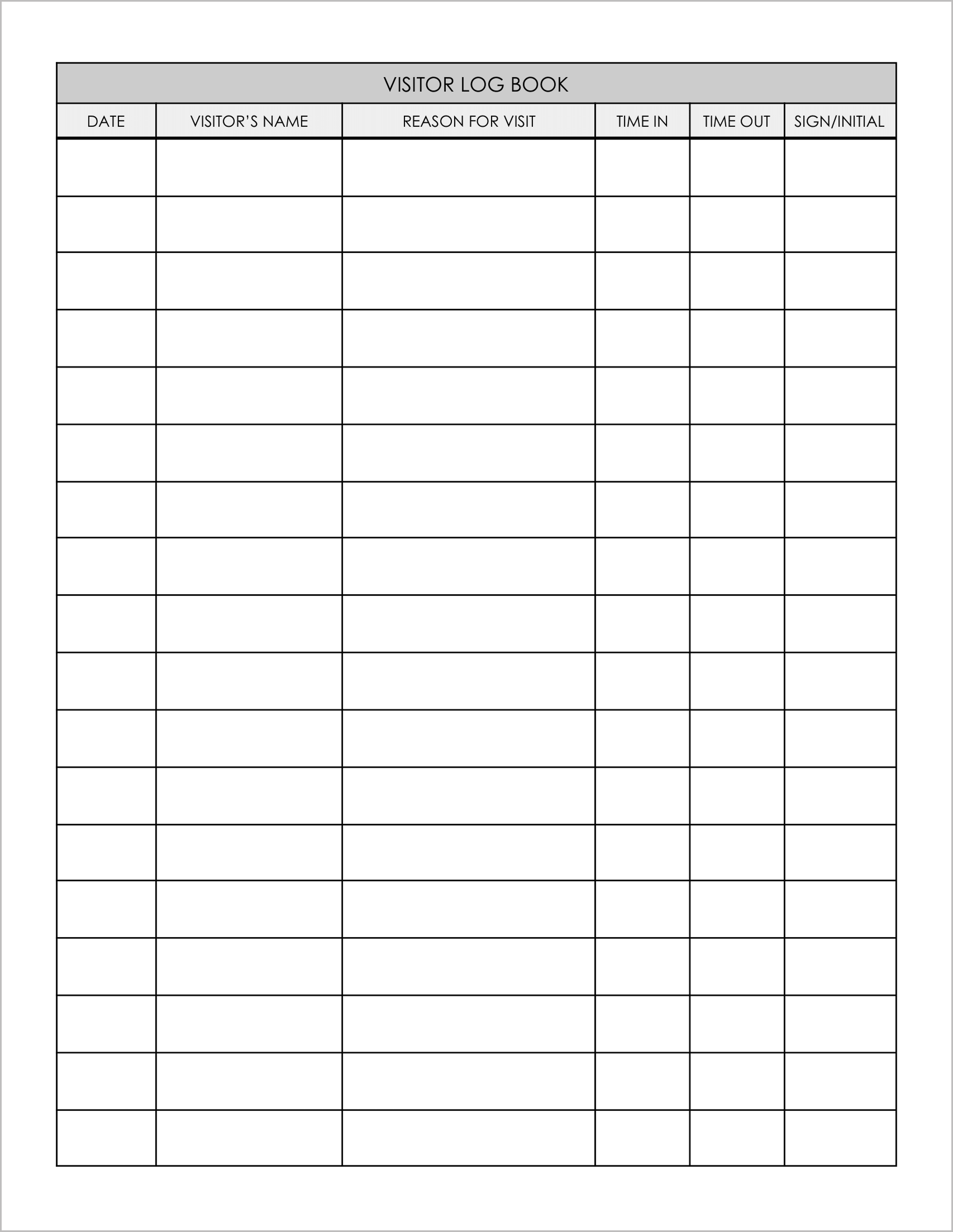
Best for: General reception desks.
This is a clean, standard log designed for quick sign-ins.
- Speed: It asks for “Sign/Initial” rather than a full signature, which keeps the line moving during busy mornings.
- Core Data: It tracks the essentials: “Visitor’s Name,” “Reason for Visit,” “Time In,” and “Time Out”.
- Clean Layout: The simple table format ensures that the sheet is easy to read and audit later.
2. Visitor Log Template-2
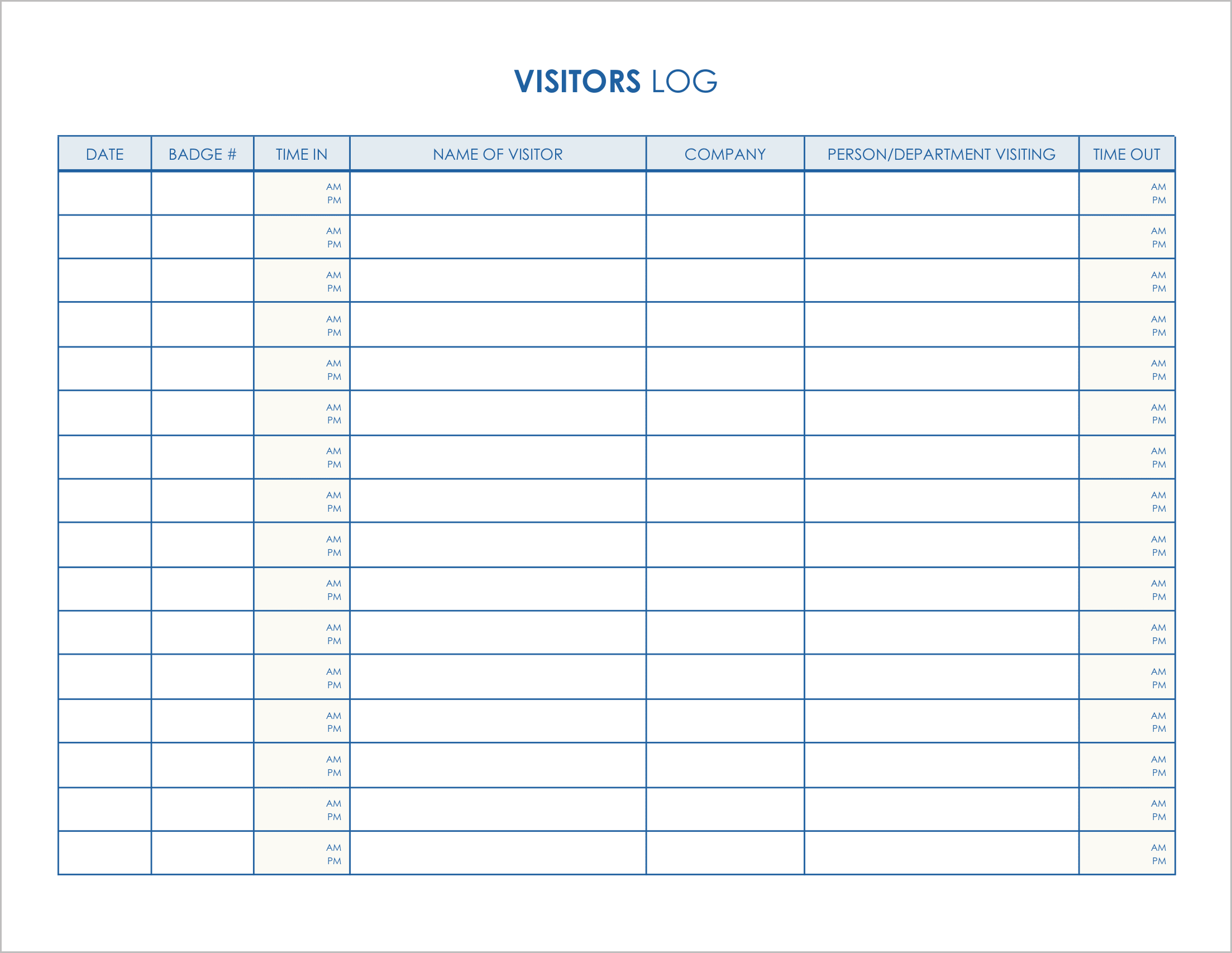
Best for: Facilities using security badges.
If you issue visitor passes or keycards, you need to track them to ensure they are returned.
- Asset Tracking: The second column is dedicated to “Badge #”, allowing security to match the person to the access card.
- Precise Timing: The Time In/Out columns are split with “AM” and “PM” indicators, reducing ambiguity about entry times.
- Destination Tracking: It explicitly asks for the “Person/Department Visiting”, helping receptionists direct guests to the right floor.
3. Visitor Log Template-3
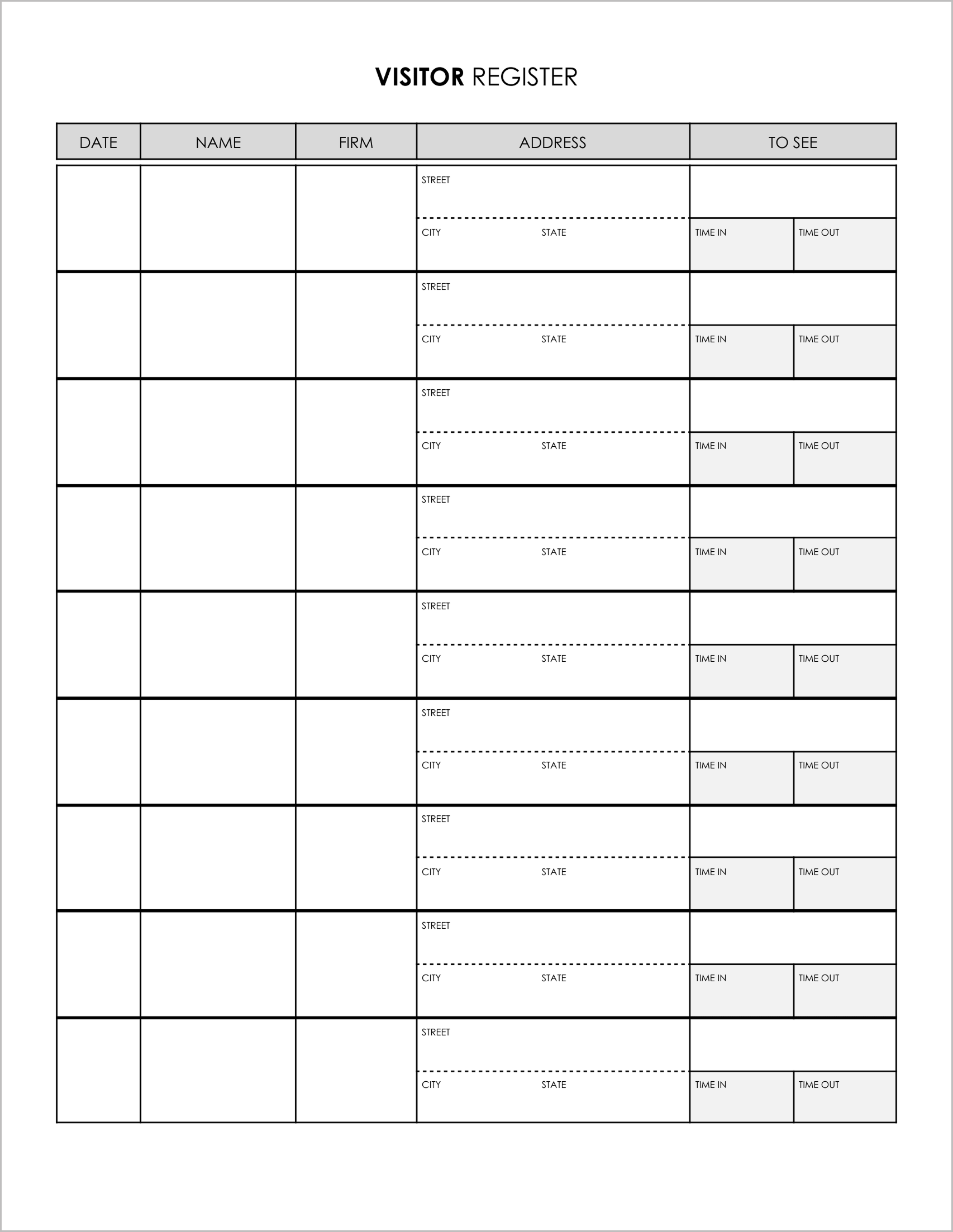
Best for: High-security environments requiring detailed ID.
Sometimes a name isn’t enough. If you need a comprehensive record of who the visitor represents and where they came from, use this template.
- Full Address Capture: It includes a multi-line section for “Address” (Street, City, State), which is often required for government or legal compliance.
- Firm Identification: It tracks the “Firm” (Company) separately from the individual’s name.
- Meeting Tracking: The “To See” column identifies exactly which employee is hosting the visitor.
4. Visitor Log Template-4
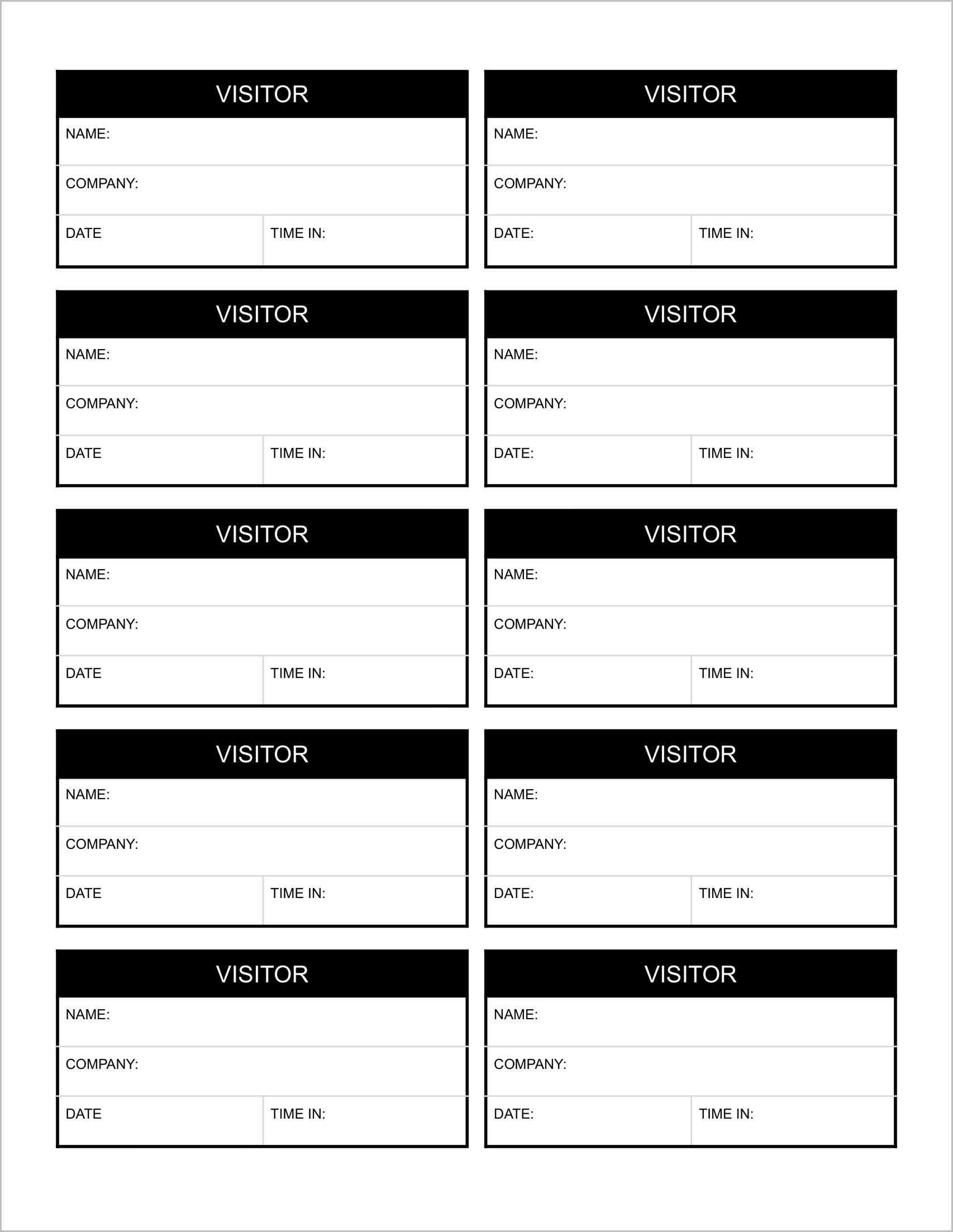
Best for: Printable visitor badges or slips.
This template is different from the others. Instead of a list, it is formatted as a sheet of individual passes.
- Cut-Out Format: The page contains 10 individual blocks, each labeled “VISITOR”. You can print this on cardstock and cut them out to create disposable ID badges.
- Essential Info: Each block captures “Name,” “Company,” “Date,” and “Time In” .
- Visual ID: These slips can be inserted into plastic lanyards or taped to a guest’s lapel to identify them while they are in the building.
5. Visitor Log Template-5
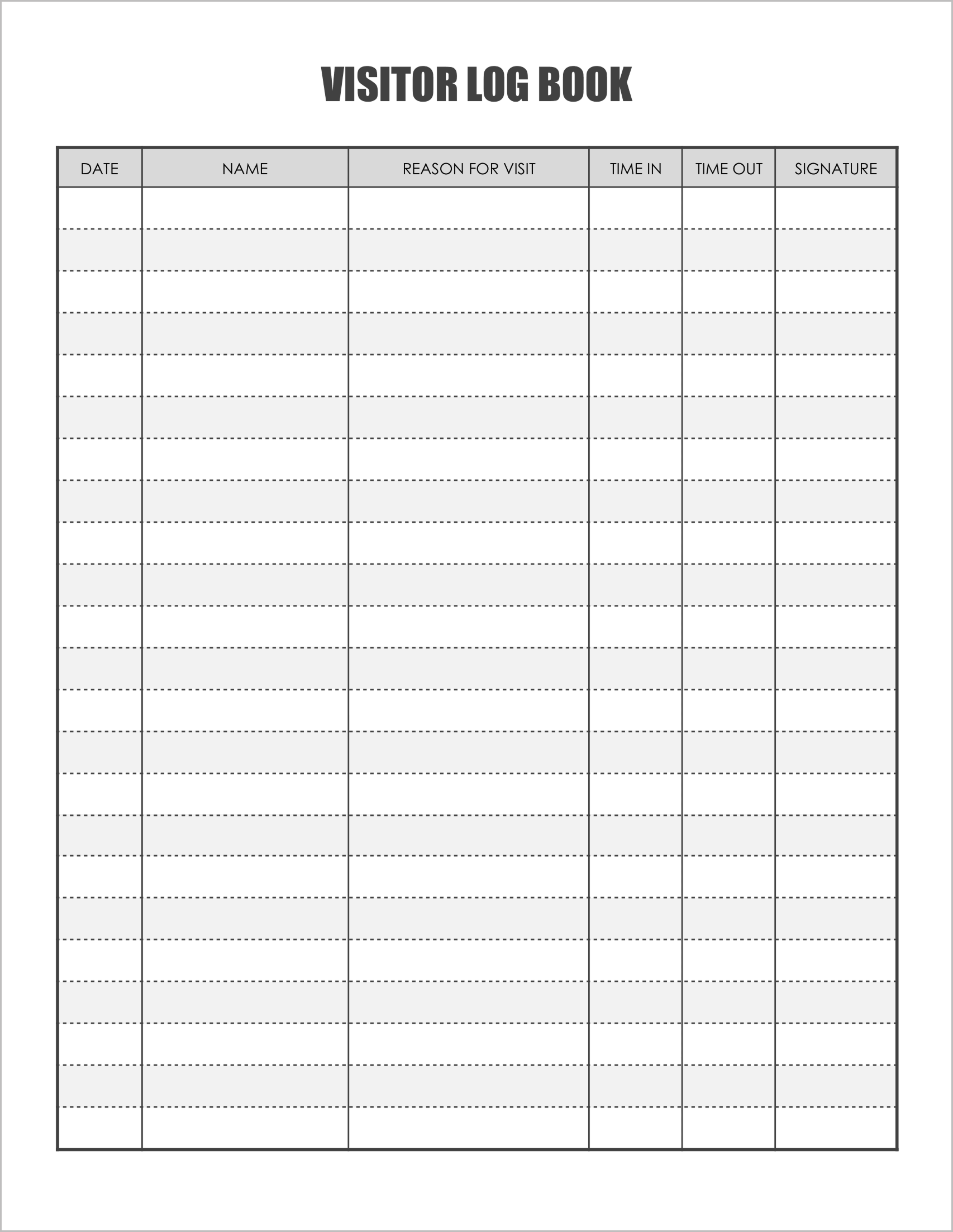
Best for: Legal and liability records.
This template focuses on formal verification.
- Signature Requirement: Unlike Template #1, this form explicitly requires a “Signature” for checking out. This is useful for liability waivers or confirming that the guest agreed to site rules.
- Clear Intent: It tracks “Reason for Visit”, allowing security to quickly screen for delivery drivers vs. client meetings.
- Standard Layout: A balanced, spacious grid that fits a full day’s worth of visitors on a single page.