
Security guards, site supervisors, and facility managers know that a shift isn’t over until the paperwork is done.
A Daily Occurrence Book (DOB) or Log is the official legal record of everything that happened during a shift—from routine patrols to safety incidents. If an event isn’t written down, there is no proof it was handled.
To help you maintain a secure and compliant site, we have curated a bundle of 5 Free Printable Daily Occurrence Log Templates.
These PDF forms cover everything from simple event recording to detailed security officer shift reports with equipment checklists.
Below is a detailed guide to the 5 unique layouts included in this free download.
1. Daily Occurrence Log Template-1
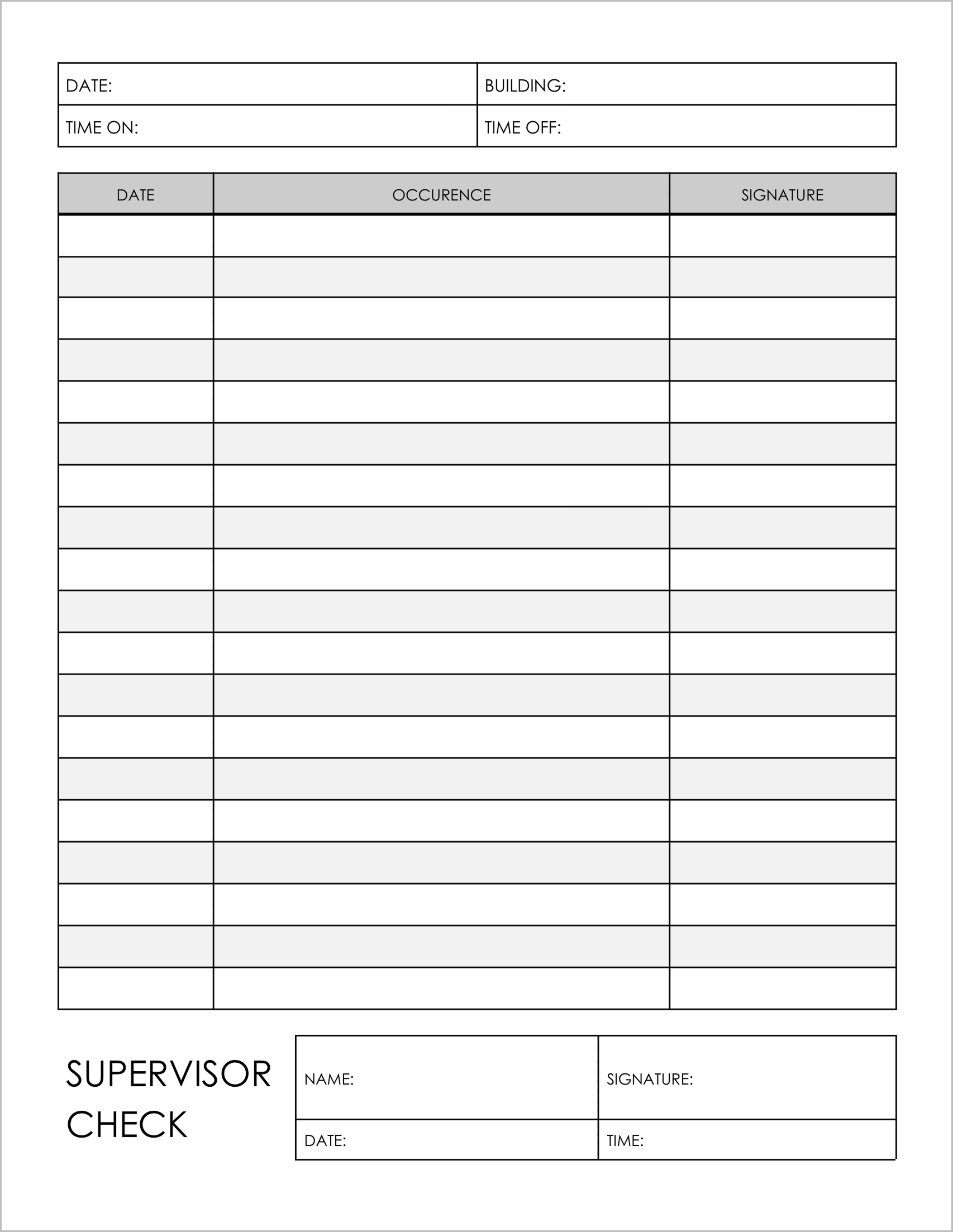
Best for: General shift recording.
This is a simplified log designed for quick, handwritten entries.
- Basic Tracking: It tracks the “Time On” and “Time Off” for the officer on duty.
- Occurrence List: The main table is a clean list tracking “Date,” “Occurence,” and “Signature”. This is ideal for logging routine rounds or key handovers.
- Supervisor Verification: It includes a distinct “Supervisor Check” box at the bottom right, allowing a manager to sign off on the day’s logs.
2. Daily Occurrence Log Template-2
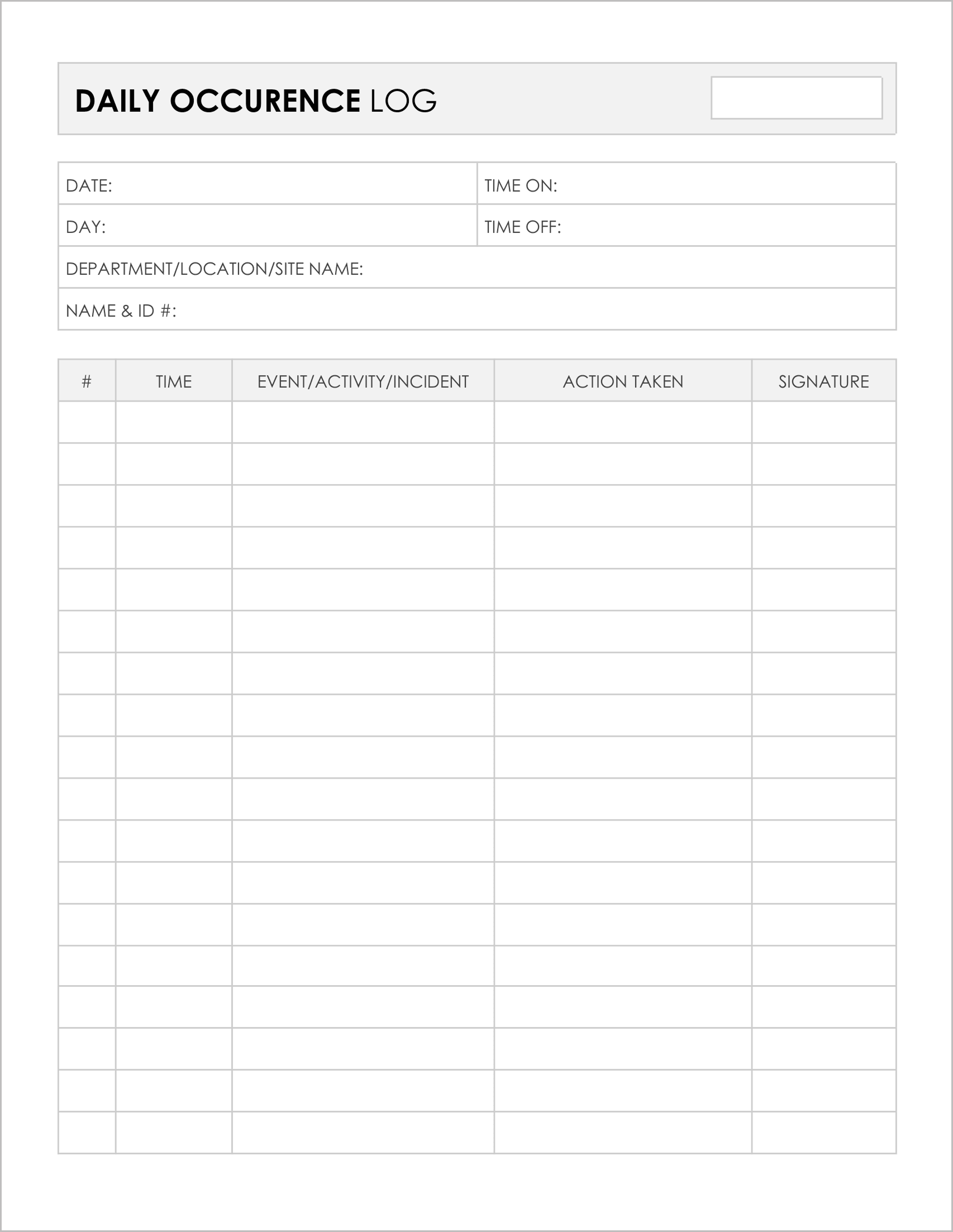
Best for: Documenting specific incidents and responses.
This template is designed for accountability. It forces the user to record not just what happened, but what they did about it.
- ID Tracking: The header explicitly asks for “Name & ID #”, which is standard for security firms.
- Action Oriented: The table includes a dedicated column for “Action Taken” next to the “Event/Activity/Incident”. This ensures that every incident has a recorded resolution.
- Chronological Order: It uses a “#” column to number events sequentially throughout the shift.
3. Daily Occurrence Log Template-3
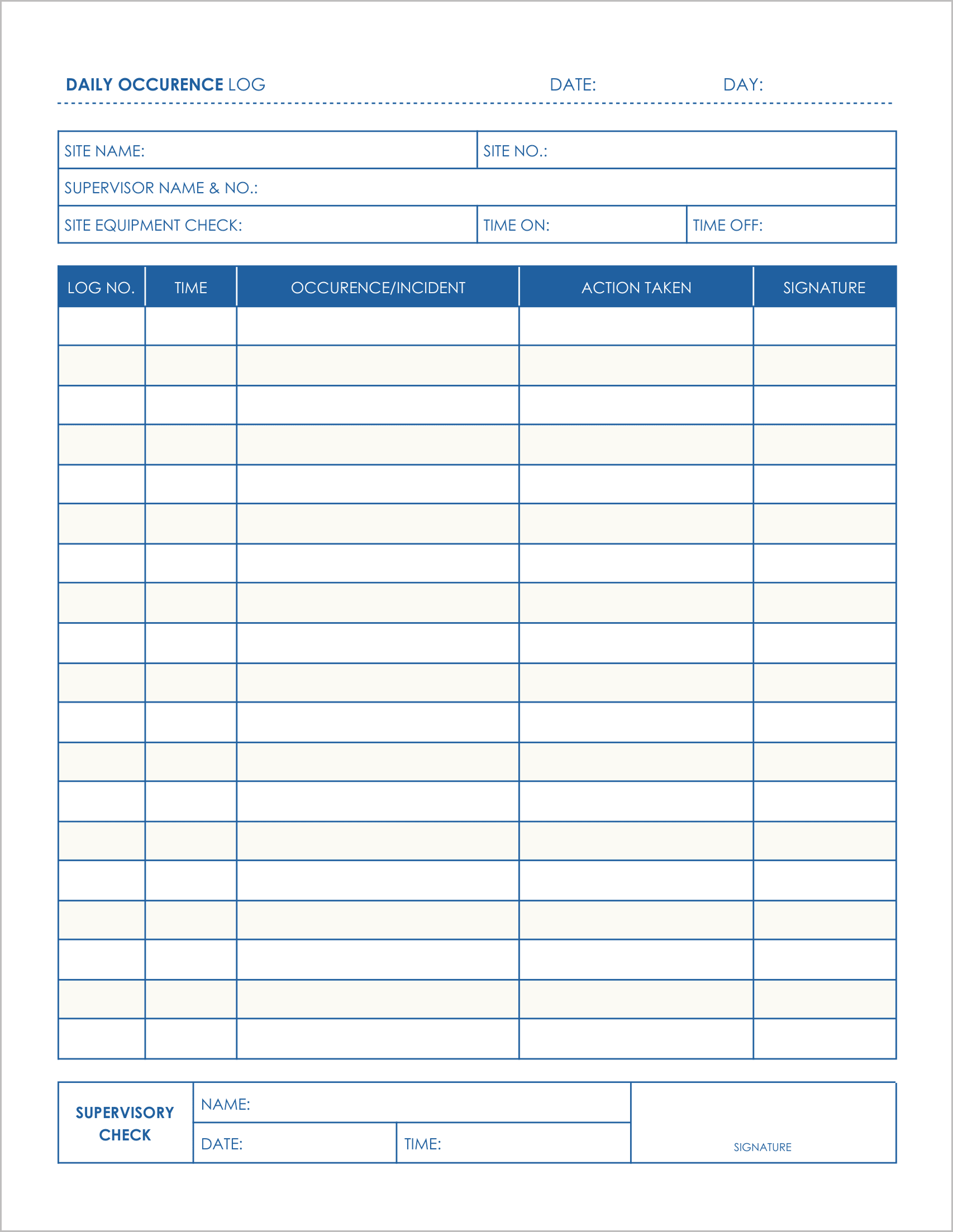
Best for: Site supervision and equipment checks.
This log introduces site-specific checks to the standard reporting format.
- Site Readiness: The header includes a field for “Site Equipment Check”, prompting the supervisor to verify that gear is present at the start of the shift.
- Log Numbers: It uses a “Log No.” column instead of a simple count, which is useful for cross-referencing with incident report forms.
- Double Verification: It features a “Supervisory Check” section at the bottom to validate the officer’s entries.
4. Daily Occurrence Log Template-4
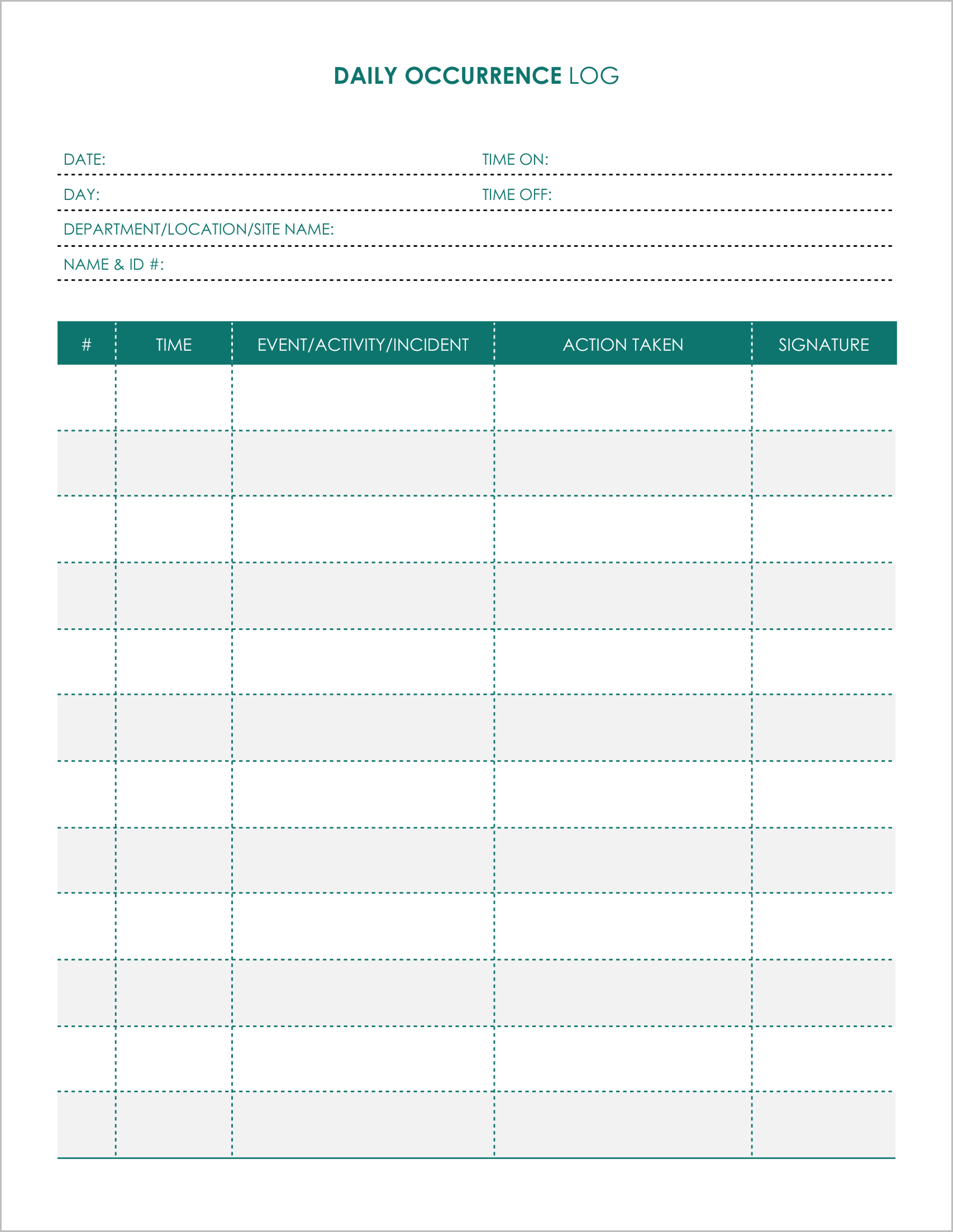
Best for: Activity monitoring.
This layout is very similar to Template-2 but features a centered title block and a clean “Action Taken” workflow.
- Shift Details: It captures “Department/Location/Site Name” and “Name & ID #” at the top .
- Incident Management: The wide columns for “Event/Activity/Incident” and “Action Taken” provide ample space for describing patrols, alarms, or disturbances.
- Sign-Off: Every single line requires a “Signature”, ensuring that the officer attests to each individual entry.
5. Daily Occurrence Log Template-5
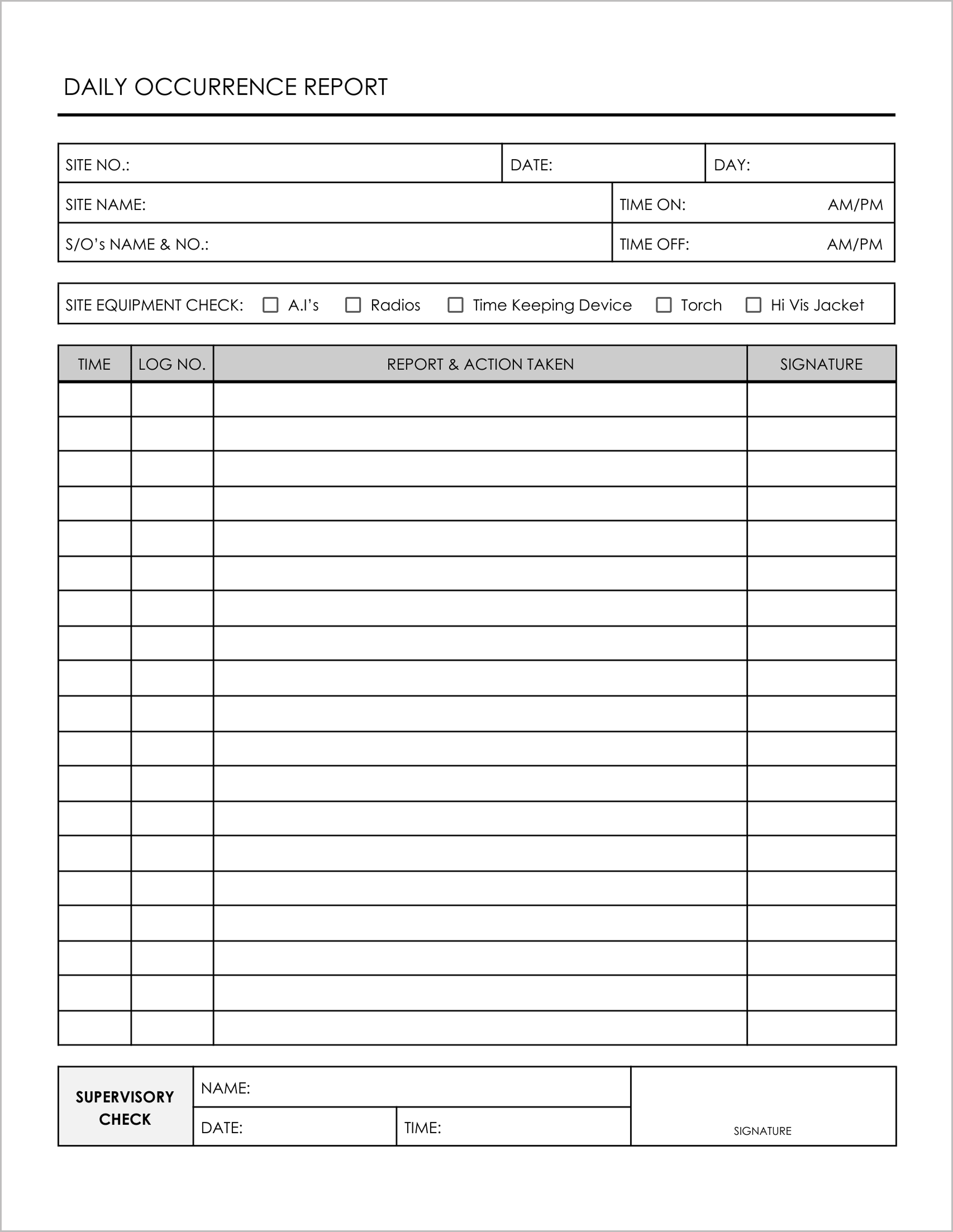
Best for: Security Officers (S/O) and equipment audits.
This is the most detailed template in the bundle, designed specifically for professional security operations.
- Equipment Audit: It features a pre-printed checklist for “Site Equipment Check” including “Radios,” “Time Keeping Device,” “Torch,” and “Hi Vis Jacket” .
- S/O details: The header tracks the “S/O’s Name & No.” (Security Officer) and shift times with AM/PM indicators.
- Detailed Reporting: The main table tracks the “Report & Action Taken” for every logged time.